
🐧 Linux File Types
S
Aspiring DevOps Engineer passionate about cloud technologies and automation. Skilled in AWS, Docker, Kubernetes, Terraform, Ansible, Linux, Git, Jenkins, Python, and CI/CD. Dedicated to building scalable, secure, and reliable cloud infrastructure through Infrastructure as Code, automation, and DevOps best practices.
One of the most interesting concepts in Linux is that everything is treated as a file. This includes not only regular documents but also hardware devices, directories, and even certain system configurations. This unified approach makes Linux simple and powerful to work with.
Some commonly used Linux commands for working with files are:
ls– List files and directoriescp– Copy files or directoriesmv– Move or rename filesrm– Remove files or directoriescat– Display the contents of a file
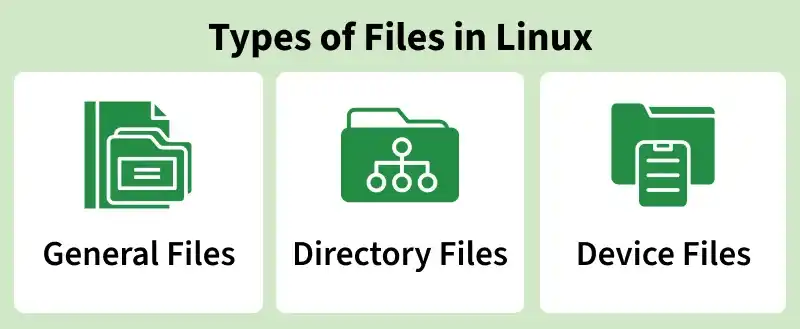
🔌 Device Files
Device files represent hardware devices and allow Linux to interact with them just like regular files.
📂 Location: Most device files are stored in the /dev directory.
Examples:
/dev/sda→ Hard disk/dev/tty→ Terminal device/dev/null→ Discards all data written to it/dev/random→ Generates random data
32 views